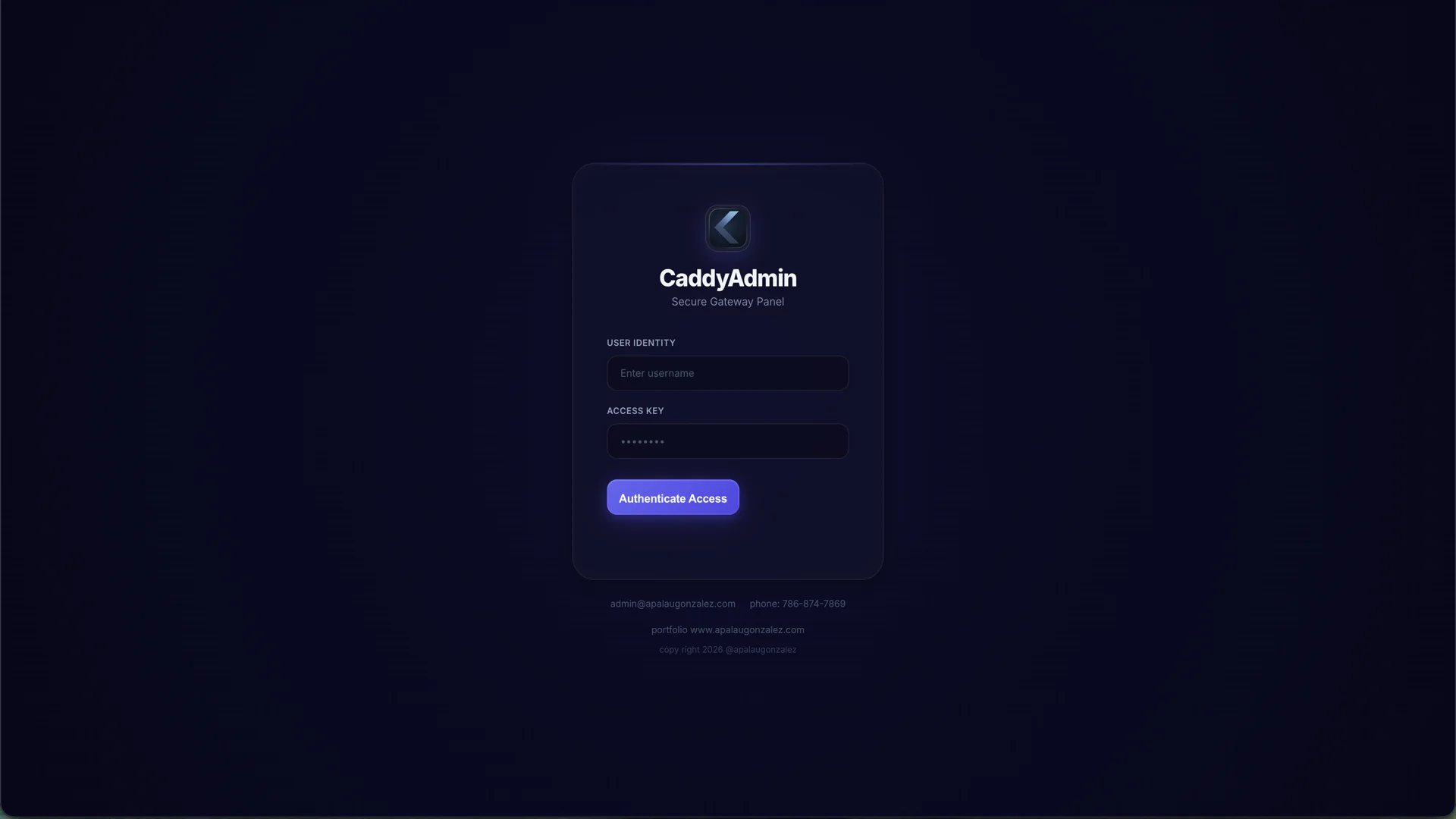

Delivery snapshot
Record date: January 15, 2026. Technology and screenshots describe the delivered version documented on this date. Any performance observations belong to the same point-in-time record. The linked live site may include later changes made by the client or other providers.Overview
Caddy-Admin is a lightweight, password-protected web dashboard for managing Caddy reverse proxy redirect rules on a VPS. It provides a visual interface to add, edit, and delete redirects without manually editing /etc/caddy/Caddyfile, handling atomic writes with automatic backups and live reloads via systemctl reload caddy.
The dashboard also surfaces real-time DNS propagation status for each redirect source domain and tracks SSL certificate expiry from Lets Encrypt files on disk. All of this runs as a single Node.js Express process with no build step -- the frontend is a single vanilla HTML CSS JS file.
Key Features
Live Caddyfile Manipulation
The platform parses the existing Caddyfile using regex, extracts redirect blocks, and reconstructs the file when adding or removing rules. Every write creates a .bak backup before overwriting, enabling quick rollback if something goes wrong.
Instant Caddy Reload
After any redirect change, the server calls systemctl reload caddy and surfaces any errors to the UI. Failed reloads show a clear error message with the underlying systemd output, preventing the Caddyfile from entering a broken state.
DNS Verification
For each redirect source domain, the server resolves A records via dns.promises and compares them against the server IP. Results are displayed as: Provisioned, Partial, or Pending.
SSL Certificate Expiry Tracking
The dashboard reads Lets Encrypt certificate files directly from disk, parses the X509Certificate data, and displays days-remaining for each domain with color-coded badges (green more than 30 days, yellow 7 to 30 days, red less than 7 days).
DNS Instructions Modal
Clicking any redirect source domain opens a modal with copy-ready DNS instructions: Type, Name, Value, TTL, and a note about proxying. The Copy All button puts everything on the clipboard at once.
Domain Search and Filter
A client-side search input filters the redirects table by domain name in real-time. This is useful when managing dozens of redirects across multiple domains.
Multi-Source Redirects
A single redirect rule can have multiple source domains (comma-separated in the UI). The parser handles this correctly, generating one handle directive per domain in the Caddyfile.
Redirect Code Selection
UI dropdown for selecting HTTP redirect codes: 301 permanent, 302 temporary, 307 temporary, or 308 permanent.
Stats Bar
The header shows live counts: total redirects, total source domains, and Caddy service status (running stopped). Service status is queried via systemctl status caddy.
Polled Auto-Refresh
When any redirect has pending DNS status, the page auto-refreshes every 15 seconds. When all are provisioned, the interval extends to 60 seconds.
Dark Mode UI
Deep navy indigo glassmorphism design with animated background glows, toast notifications, and spring-eased modals. The aesthetic matches the agency brand guidelines.
Technologies Used
- Express v4 -- HTTP server
- Express Session -- Cookie-based auth (24-hour expiry)
- Child Process -- systemctl for Caddy reloads
- DNS Promises -- A record resolution
- Crypto X509Certificate -- Certificate expiry parsing
- Vanilla HTML CSS JS -- Single frontend file, no build
- Inter Font -- Typography
Challenges and Solutions
Atomic Caddyfile writes. Editing a live server config is risky. Implemented a write-then-backup-then-reload pattern: write new content, create .bak, call reload, report success failure. Any error aborts before the reload.
Parsing Caddyfile reliably. The Caddyfile format is simple but not strict. Used regex patterns that match common redirect block structures, with fallback handling for unexpected formats.
DNS verification accuracy. Resolving from the wrong nameserver gives false negatives. Hardcoded the server known IP so we can accurately detect whether a domain is actually pointing to us.
Impact
- Visual redirect management eliminates manual Caddyfile editing
- DNS verification confirms domains are pointing before creating rules
- Certificate tracking prevents expiry surprises
- Backup safety ensures rollback capability on every change
- Single-file deployment with zero dependencies beyond Node.js